Skip to content

Behind the portal

App-based Entra groups to replace SCCM collections

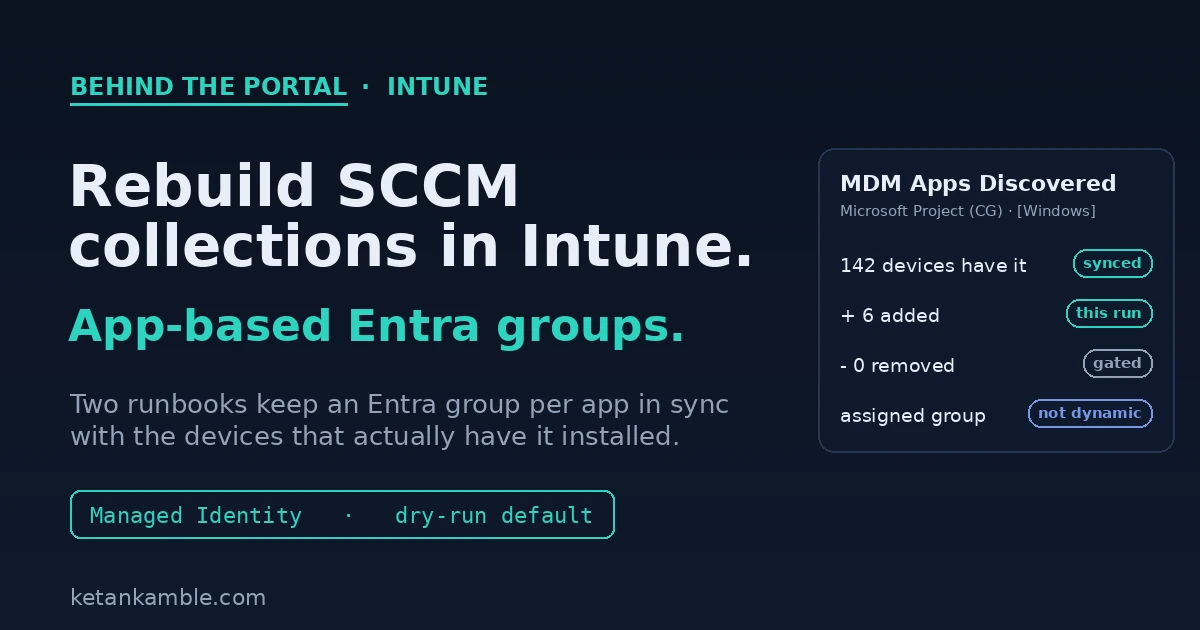
Cover: two Azure Automation runbooks reading Intune detected-apps inventory and keeping an Entra group per app in sync with the devices that have it installed

We have been winding down Microsoft Configuration Manager, what most of us still call SCCM, like everyone else. The thing I miss most is not the console, it's collections. A collection that says "every device that has this app installed" was how we targeted an update, and Intune has nothing like it.

Ugur Koc already wrote a script that rebuilds that idea from Intune's own inventory, and it's where I started. On a normal tenant it works well. On our 17,500-device estate it didn't, so I re-engineered it for scale and for running unattended, and that re-engineering is what this post is really about.

This one is also different from most of what I write here. It writes. It changes Entra group membership, so I can't dress it up as read-only. What I did instead was make the writing part paranoid, and that turned out to be the interesting bit.

Audit your new Intune Suite features, read-only first

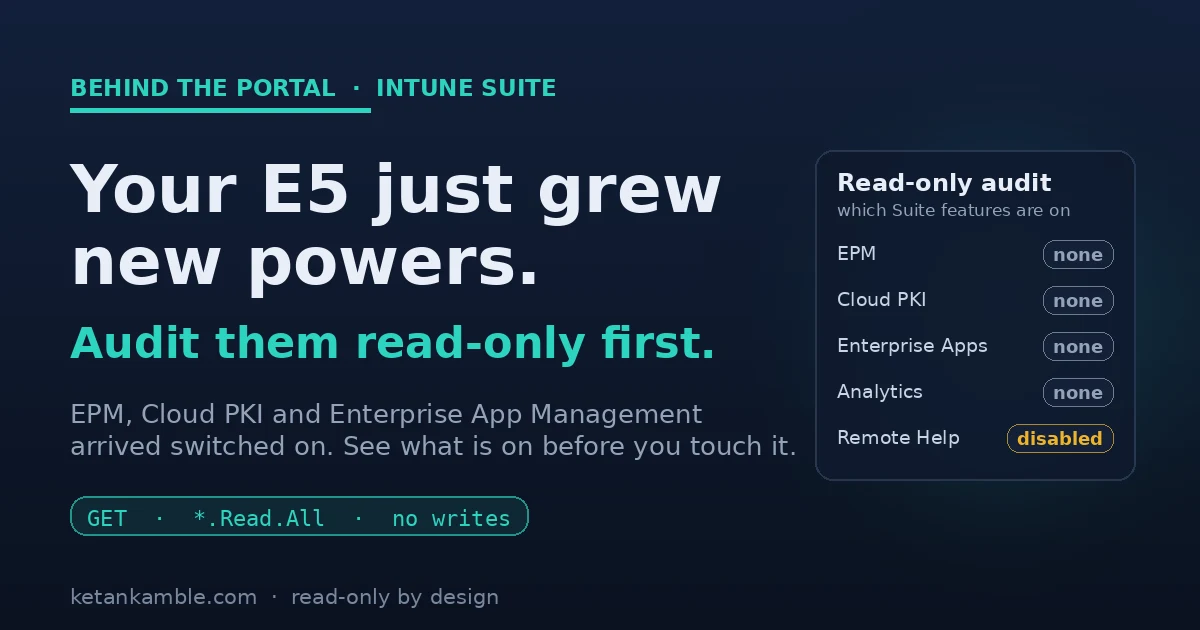
Cover: advanced Intune Suite features arriving switched on at the license level, and a read-only Graph audit listing which are present before anyone enables them

Around the start of July, a few of our Microsoft 365 E5 tenants quietly grew some new powers. Nobody deployed anything. Microsoft just included a batch of advanced Intune Suite capabilities as part of the license, and there they were. My first reaction was not "great, let's turn them on". It was "hang on, what exactly is available now, and who can already touch it?"

That question, what is on before I start changing things, is the whole point of this post. Before you configure a single new policy, it is worth taking a read-only look at what the license just handed you.

Governing Intune device wipes with Multi Admin Approval

Cover: an Intune device-wipe request stopped at a two-person approval gate, with a read-only runbook alerting and reporting on every approval

A while back a device wipe request sat in our Intune approval queue for most of a day before anyone noticed it. Nothing was broken. That is just how Multi Admin Approval works, and it is the gap this post is about.

If you have turned MAA on for device wipe and retire, you already know the good part. One admin asks for the wipe, a different admin has to approve it, and no single person can factory reset a laptop on their own. I like it. It is the kind of guardrail that should have been in the product years ago.

Here is the part nobody warns you about. Microsoft gave you the gate, but it forgot the doorbell. There is no email when a request comes in, no ticket, nothing shows up on a dashboard. It quietly assumes someone is sitting in Tenant administration > Multi Admin Approval > Received requests all day, and in real life nobody does that. So legitimate wipes stall, the service desk opens "wipe not working" tickets that were never broken, and months later nobody can tell you who approved what.

I did not want to give my one admin a new job of babysitting that screen. So I built the missing half instead. It is a small read-only runbook that watches the queue, emails the service desk the moment a request lands, and keeps its own history for Power BI. It can read the approval requests and nothing else. It cannot approve, it cannot reject, it cannot wipe. Below is how it works and how to set it up in your own tenant.
MAA now intercepts Graph API calls — and why read-only never sees it

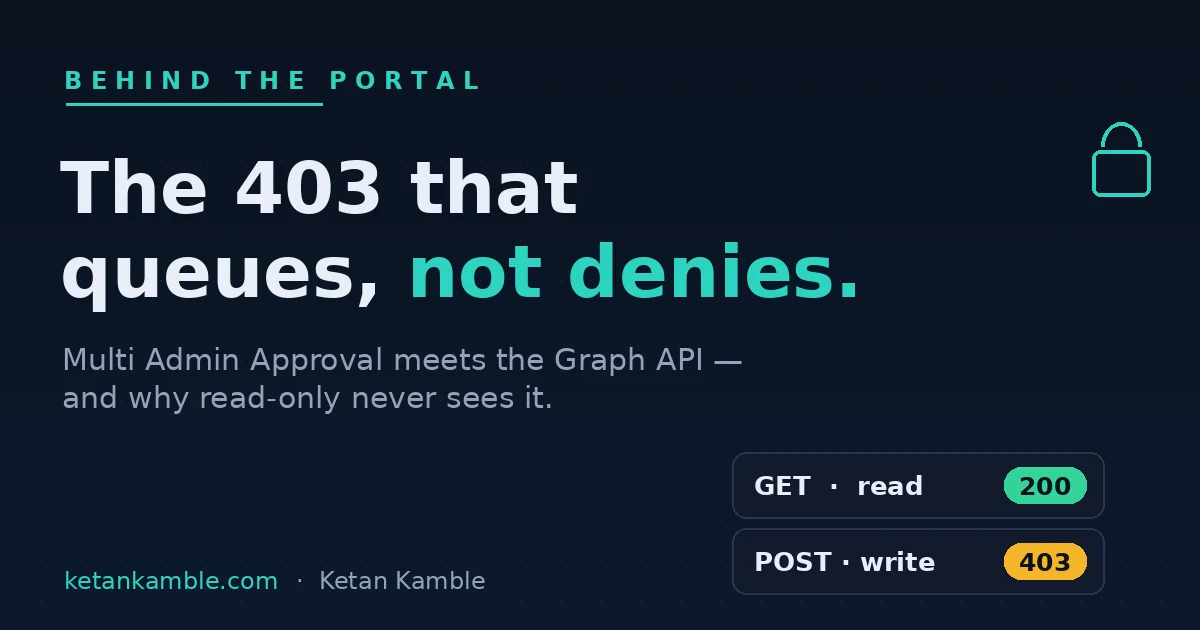
Cover: Multi Admin Approval intercepts a Graph write with 412 Precondition Failed, while the read sails through 200 OK

My automation started failing on a write with a status code I did not expect: 412 Precondition Failed. Not 403 Authorization_RequestDenied — I know that one, that's a missing scope. A 412, on a POST to Intune, telling me a precondition hadn't been met. The precondition, it turned out, was a second admin's approval. What had changed was Multi Admin Approval (MAA) — previously an interactive-admin-only gate — extended to app-authenticated Graph calls. If your tenant has an MAA access policy on a protected workload, your service principal now hits the same wall a human admin does.

The 403 that started it: how a Sites.Selected error became the Zero-Access Pattern

Cover: a Sites.Selected 403 became the Zero-Access Pattern — read-only by architecture, not by trust

Everything else on this site — the ten read-only collectors, the Power BI reports, the AI agent that answers questions about a fleet without touching it — points back to one moment in a lab tenant: a 403 I fully expected to be a 200. Not a bug. The system working exactly as designed. That 403 is the reason the whole project is built the way it is, and this is the artifact that came out of it.

The read-only AI agent that can't touch your tenant

Cover: a read-only AI agent answering endpoint questions from sanitized snapshots, with no live tenant access

Someone on the service desk asked me last month how many of our Finnish devices were failing the firewall compliance setting. Simple question. The honest answer was that I had to go and write a Graph query to find out, because there is no way to just ask the fleet a question like that.

So I built something that can answer it. You type "how many devices fail Firewall in Finland" in plain English and get the number back in a few seconds, with the source report and the date on it. The obvious way to build that is to give an AI model live access to Intune and Graph. That is also the most dangerous way, and I did not want to do it.

This is the capstone of everything else on this site. An AI agent that answers questions about our whole Intune fleet, and holds no access to any live system at all. (If you want to see how it compares to Microsoft's own Intune Copilot agents, jump to Where this fits.)