Governing Intune device wipes with Multi Admin Approval
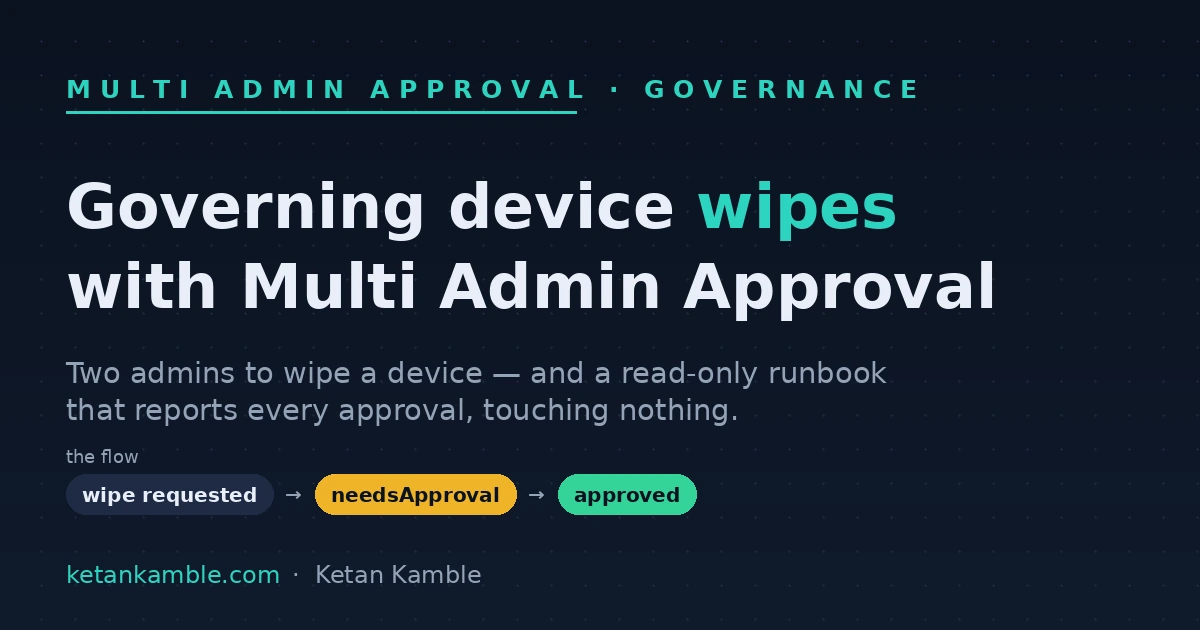
A while back a device wipe request sat in our Intune approval queue for most of a day before anyone noticed it. Nothing was broken. That is just how Multi Admin Approval works, and it is the gap this post is about.
If you have turned MAA on for device wipe and retire, you already know the good part. One admin asks for the wipe, a different admin has to approve it, and no single person can factory reset a laptop on their own. I like it. It is the kind of guardrail that should have been in the product years ago.
Here is the part nobody warns you about. Microsoft gave you the gate, but it forgot the doorbell. There is no email when a request comes in, no ticket, nothing shows up on a dashboard. It quietly assumes someone is sitting in Tenant administration > Multi Admin Approval > Received requests all day, and in real life nobody does that. So legitimate wipes stall, the service desk opens "wipe not working" tickets that were never broken, and months later nobody can tell you who approved what.
I did not want to give my one admin a new job of babysitting that screen. So I built the missing half instead. It is a small read-only runbook that watches the queue, emails the service desk the moment a request lands, and keeps its own history for Power BI. It can read the approval requests and nothing else. It cannot approve, it cannot reject, it cannot wipe. Below is how it works and how to set it up in your own tenant.